Content Area Settings
Theme settings are accessible via the
about:configpage. Typeultimaoruser.themeto get started.
Browser Content refers to the main webpage view. The settings listed below either interact with / or are related to Browser Content in a specific way.

ultima.spacing.compact.addonmanager
Makes the addon manager & themes page a compact grid layout
Submitted by dreadbalaur
ultima.spacing.compact
Removes all borders and rounding for the content area, also shrinks tabs by a tiny percentage
ultima.spacing.relaxed
Makes the browser content spacing a bit more "comfy", works well with Ultra-Wide and Side View extensions
ultima.content.toolbox.ontop
Reverses the position of the content toolbox when docked bottom
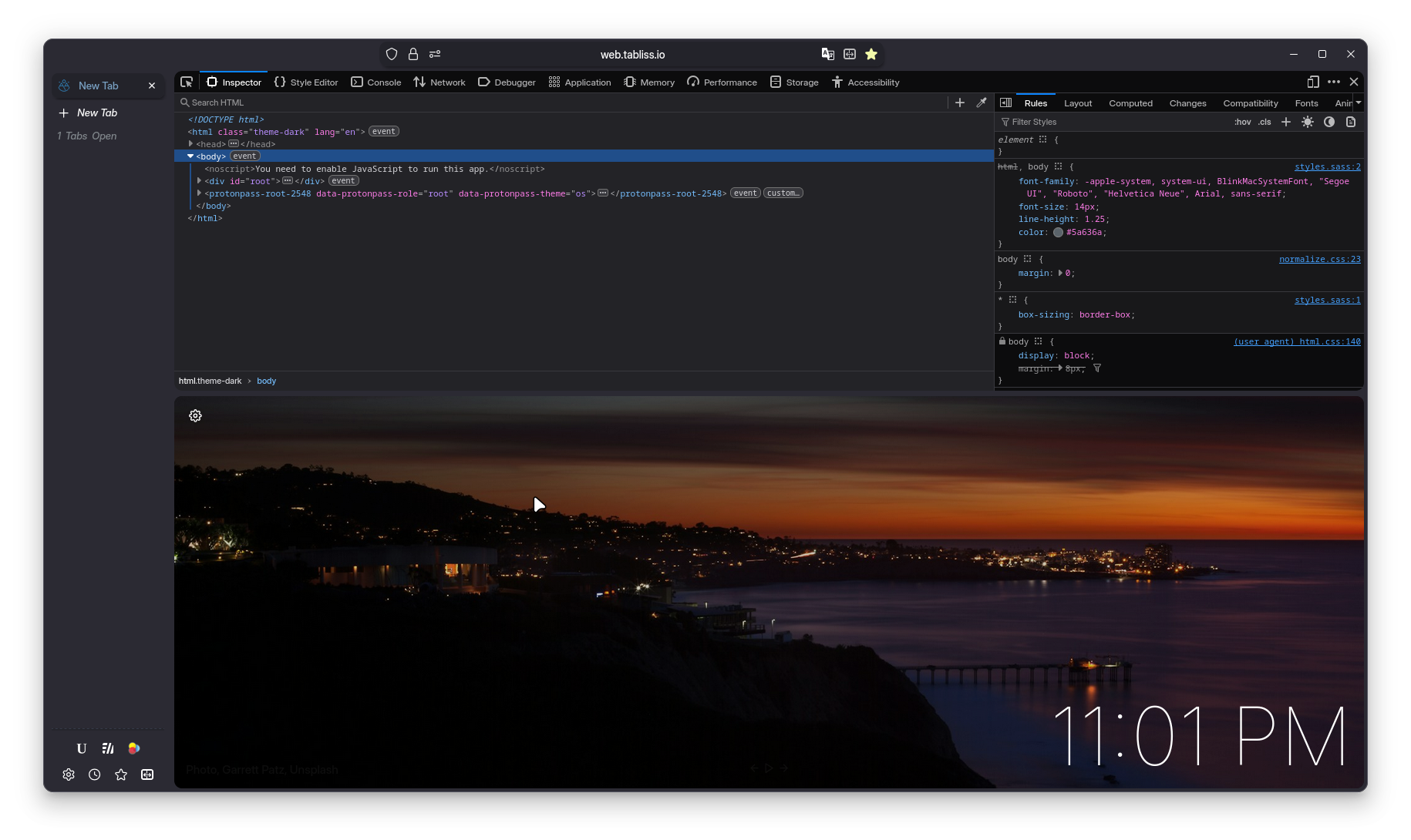
Find Bar
ultima.findbar.position.top
This setting moves the Find Bar - above browser content, and it makes a lot of sense being there. It also adds contrast to match results using the themes current accent color.
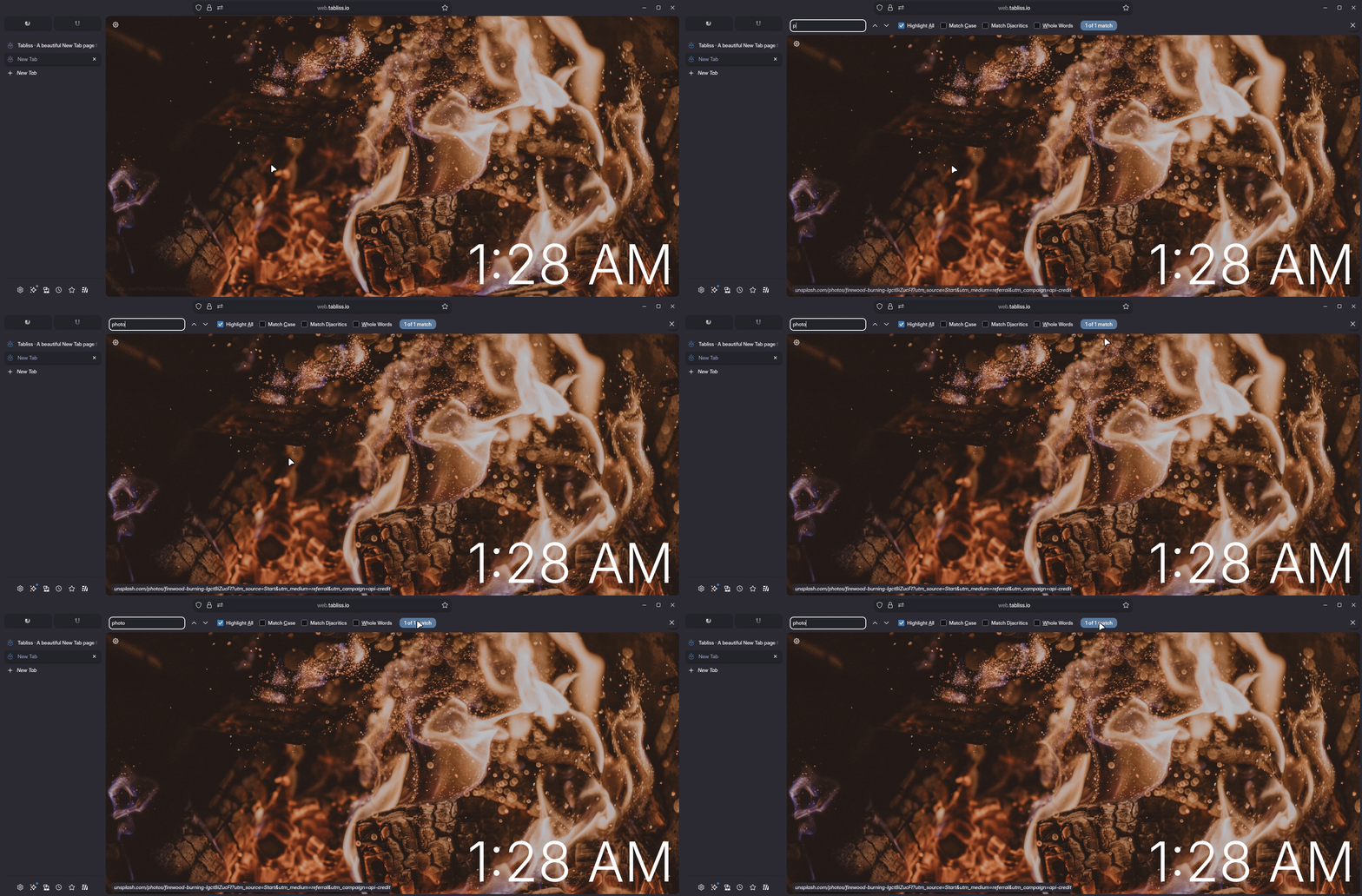
ultima.findbar.disable.background.image
This setting hides the background image that some add-on themes attached to the findbar, often these images don't blend with the themes rounded appearance. The disabled background also fixes add on themes that produce a different solid color than the overall browser color. Try it out if you ever use an add-on theme that has this issue.
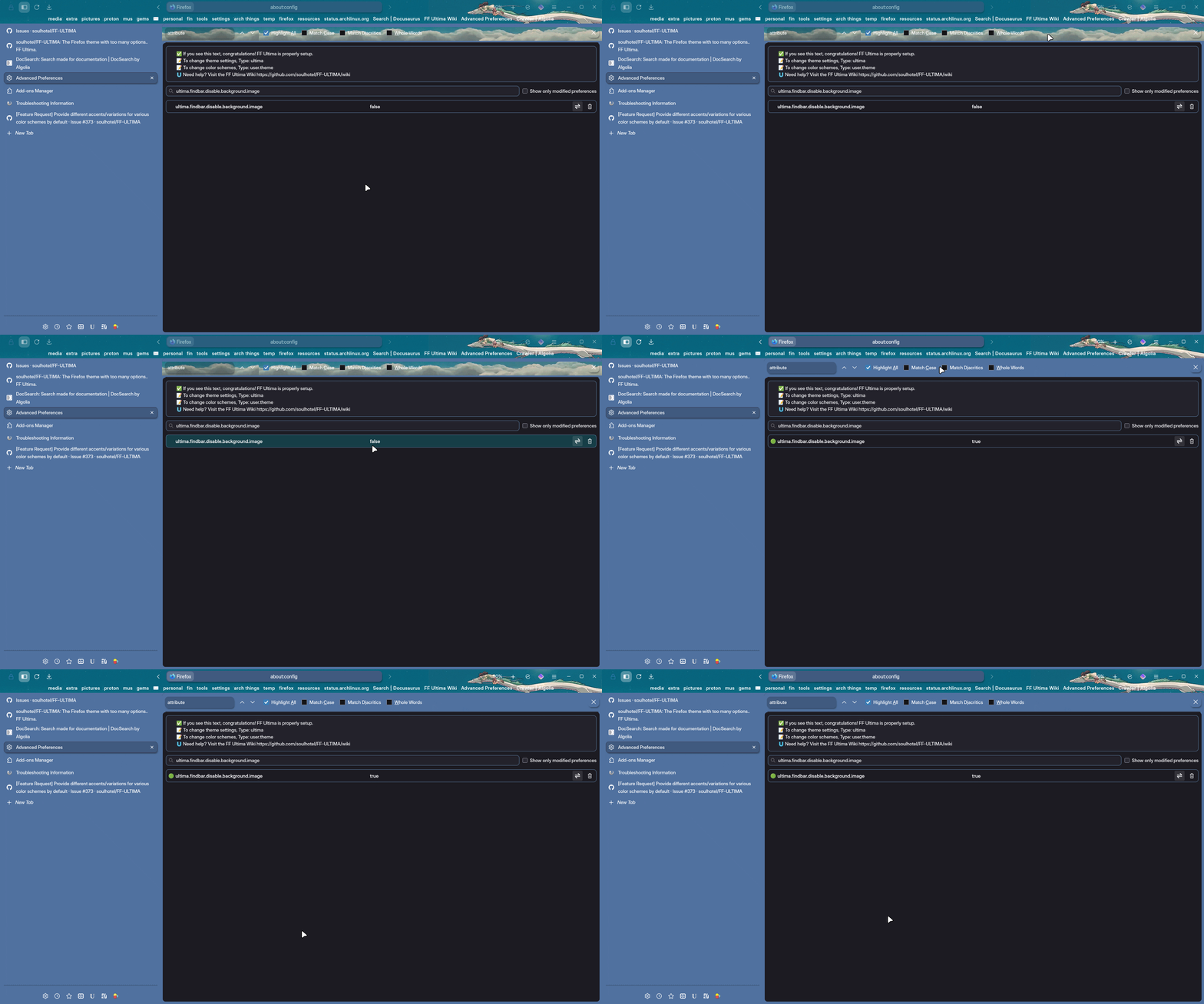
An alternative solution is to just use spacing.compact to remove the differences in border/color.
Related to Content
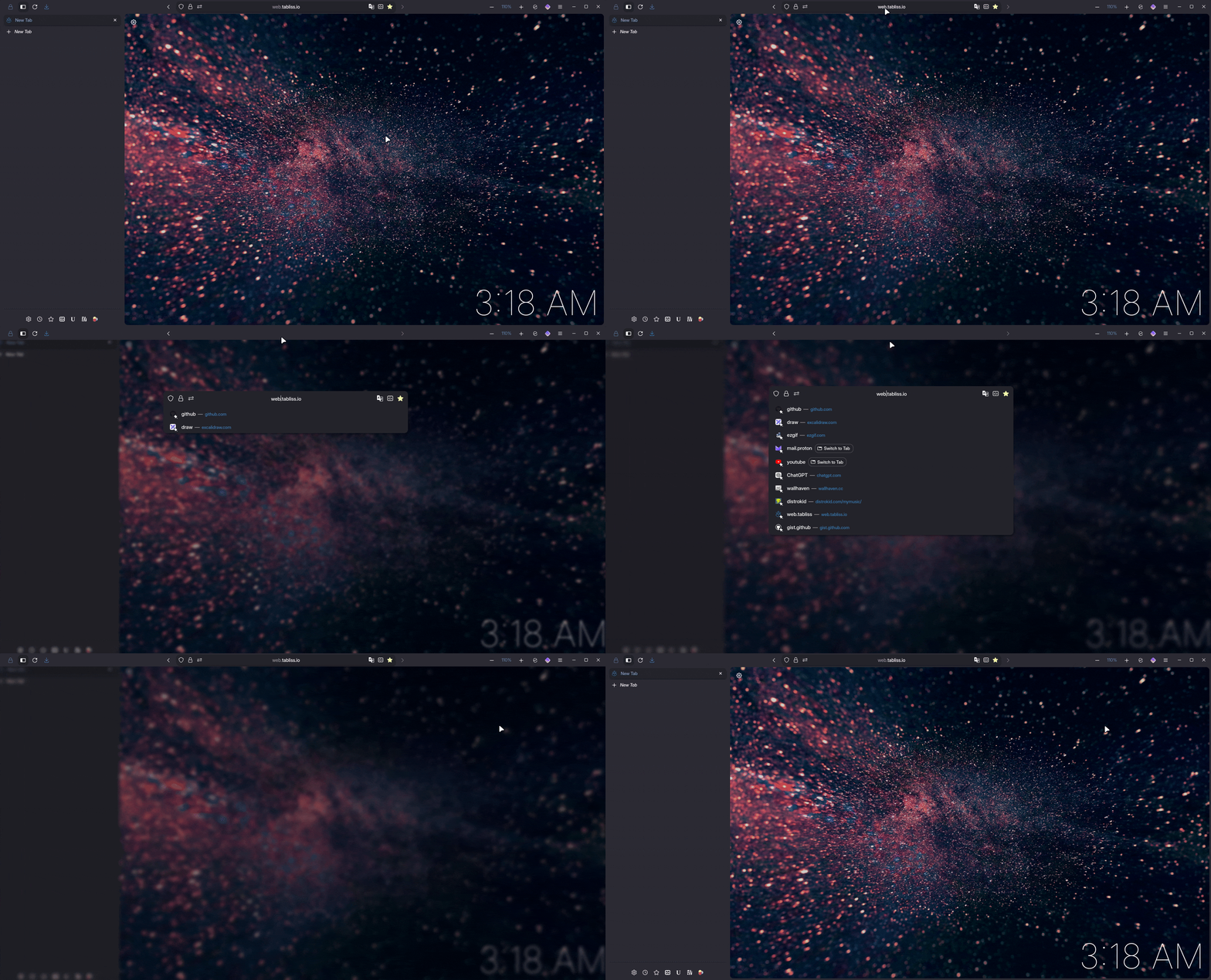
ultima.urlbar.focus.blur
Blurs browser content when the urlbar is in focus
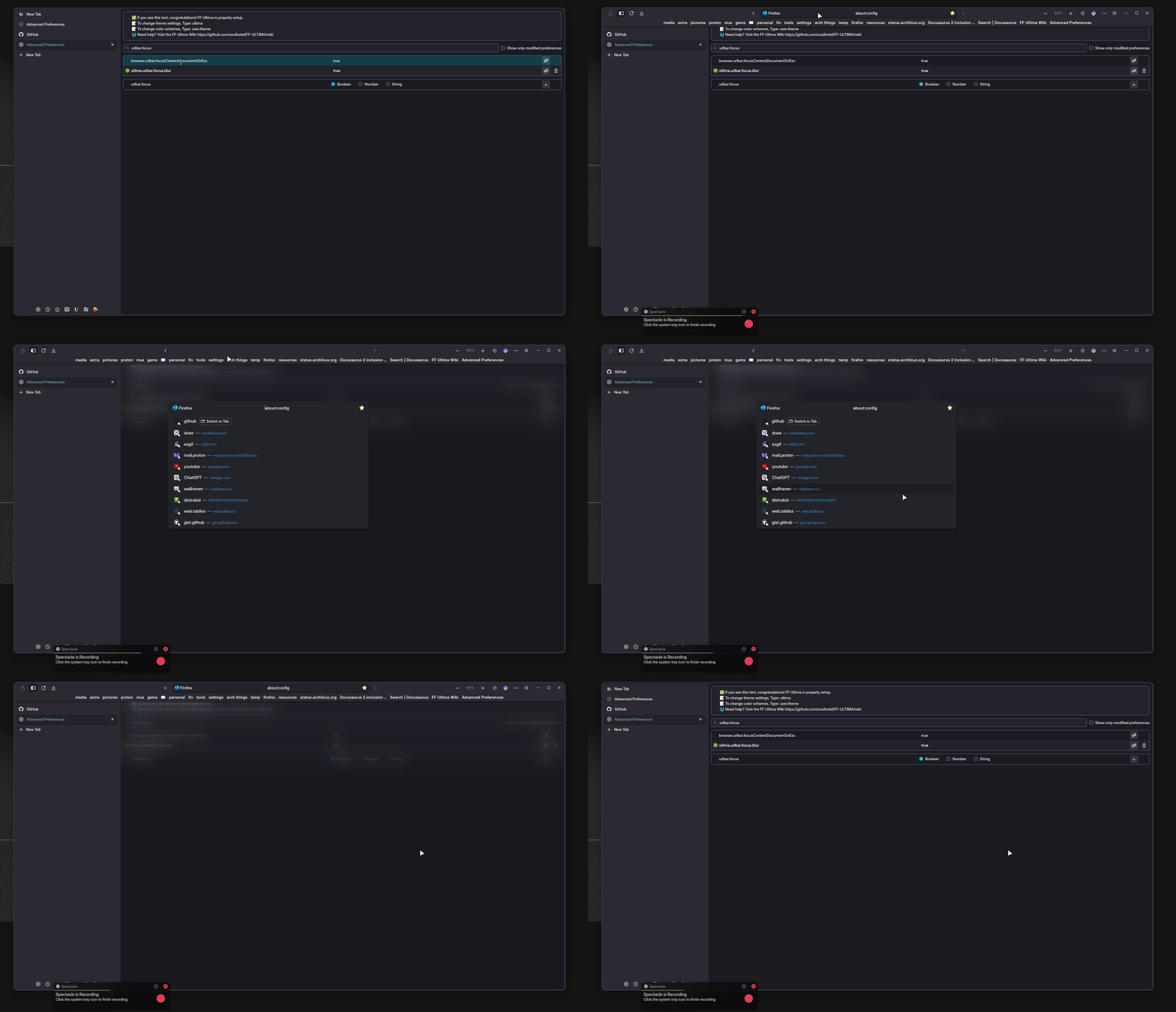
ultima.urlbar.focus.blur.all
Blurs everything except for the urlbar, when the urlbar is in focus
ultima.scrollbar.thin
Forces a more thin scroll bar for the content area, very useful for Windows 10 Users
ultima.navbar.bookmarks.tab.indicator
This setting highlights the currently selected browser content, if the currently selected tab is bookmarked
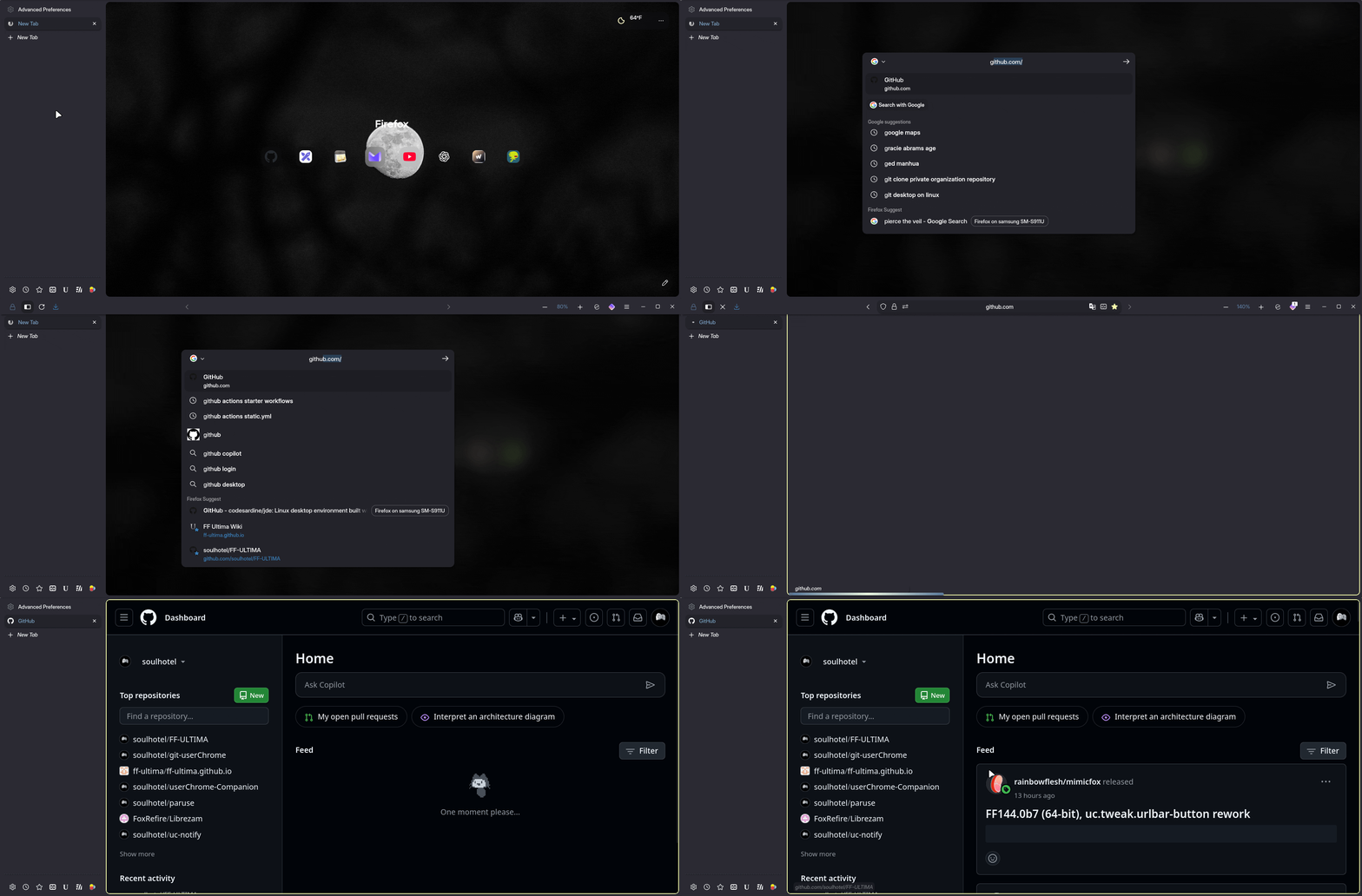
ultima.xstyle.newtab.rounded
This makes the elements of the new tab page more rounded, with shortcuts becoming circular.
ultima.xstyle.private
The private-browsing Home Pages strong purple background is removed, text removed, less is more sometimes.