Top bar Settings
Theme settings are accessible via the
about:configpage. Typeultimaoruser.themeto get started.
ultima.navbar.autohide
Autohide the navigation bar. It remains visible when the url bar is focused, or if interior menu popups are focused
ultima.navbar.float
For a floating url bar, this also autohides the nav bar like above.
ultima.navbar.float.fullsize
For a floating url bar, like above, except the nav bar stays a full width.
This setting is not ideal for a vertical tab setup, as you can see with how the elements overlap in the image below. Smooth sailing for horizontal tabs though.

ultima.navbar.autohide.ignore.urlbar
When combined with navbar.autohide or navbar.float, triggering the url bar (with ctrl+L or clicking) will not trigger the navbar to show.
This setting wont not prevent the navbar from showing when you hover over the url bar popout.

ultima.navbar.hide.buttons
Hide the buttons on the navigation bar when not hovered. When panels like the menu, extensions, or downloads are triggered/focused/downloading those specific buttons will remain visible until not focused
ultima.navbar.position
When combined with navbar.autohide or navbar.float, positions the nav bar at the top or bottom of the browser
ultima.navbar.windowcontrols
There are a total of 4 custom window control styles
- ultima.navbar.windowcontrols.carl
- ultima.navbar.windowcontrols.fluent
- ultima.navbar.windowcontrols.trafficlights
- ultima.navbar.windowcontrols.whiteout
ultima.disable.windowcontrols.button
To completely hide the window controls (titlebar buttons)
ultima.navbar.bookmarks.scrollable
Makes the bookmarks toolbar scrollable. This can be used by dragging the scrollbar or shift + scroll, or even better with mouses that support horizontal scrolling
ultima.navbar.bookmarks.autohide
To autohide the bookmarks toolbar on hover
ultima.navbar.bookmarks.position
This setting controls the positioning of the bookmark toolbar items, from left to center to right. Position "right", only really applies for a floating bookmarks toolbar.
ultima.navbar.bookmarks.float
- Bookmarks bar becomes a detached floatable bar with
ultima.navbar.bookmarks.float - It can be positioned and used in multiple layouts when used in combination with the other "
navbar.bookmarks." settings - It is disabled when using
navbar.float, since they achieve the same purpose.
ultima.navbar.bookmarks.focus.blur
This setting is best used with hardware acceleration on. Browsers can degrade the performance of blur (cpu instead of gpu = lag)
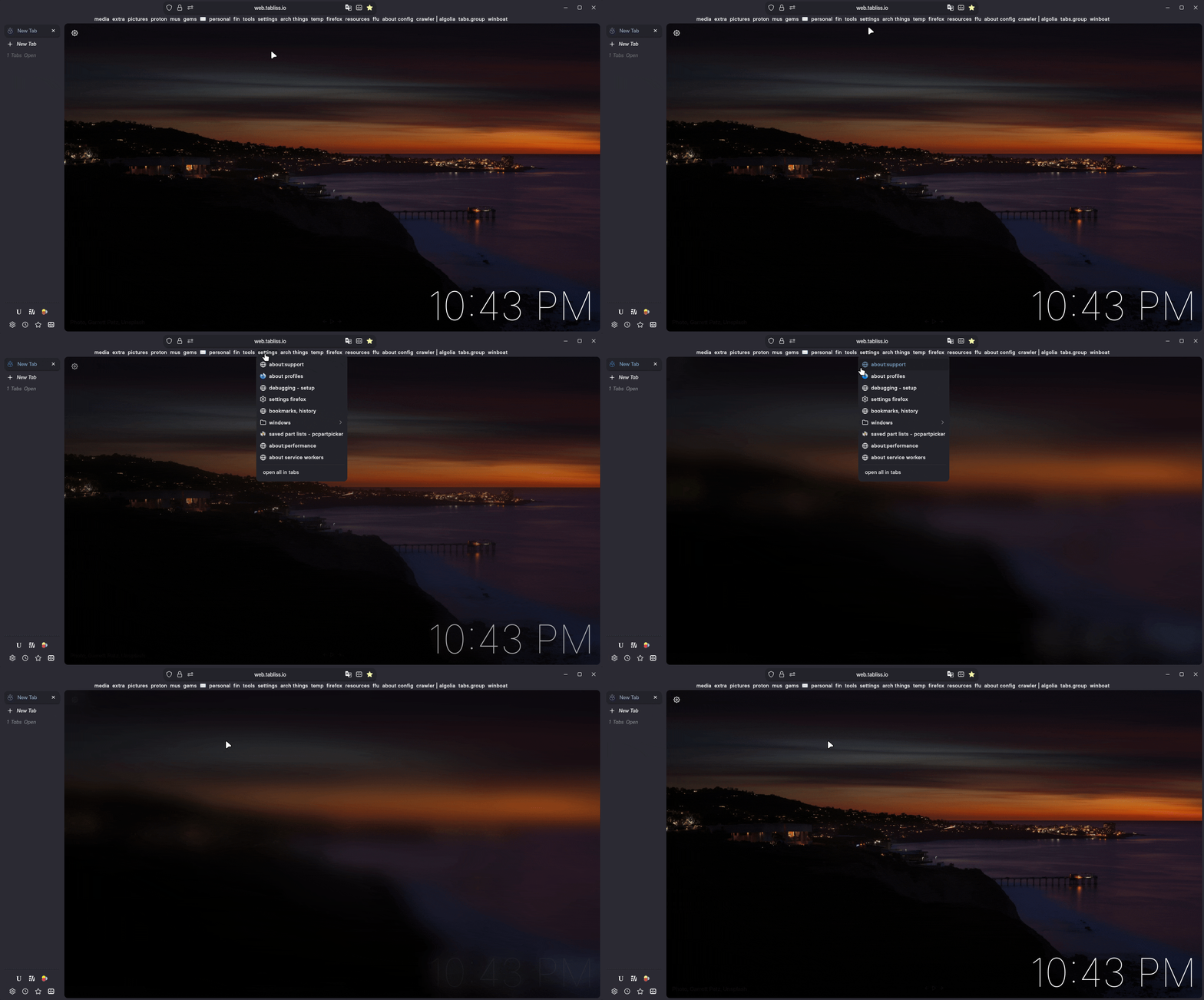
Blurs browser content when focused on bookmark folders
ultima.navbar.bookmarks.tab.indicator
This adds an "outline" indicator to the currently selected tab (if it is bookmarked)
ultima.navbar.theme.extensionspanel
To theme the extension panel
ultima.spacing.compact.menupanel
For a more compact menu panel / extension panel
ultima.navbar.text.for.icons
Replaces the navbar toolbar icons with their text label
