Sidebar Settings
Theme settings are accessible via the
about:configpage. Typeultimaoruser.themeto get started.
ultima.sidebery.autohide
This setting will show/hide Sidebery when hovered (other sidebars will remain a static width)
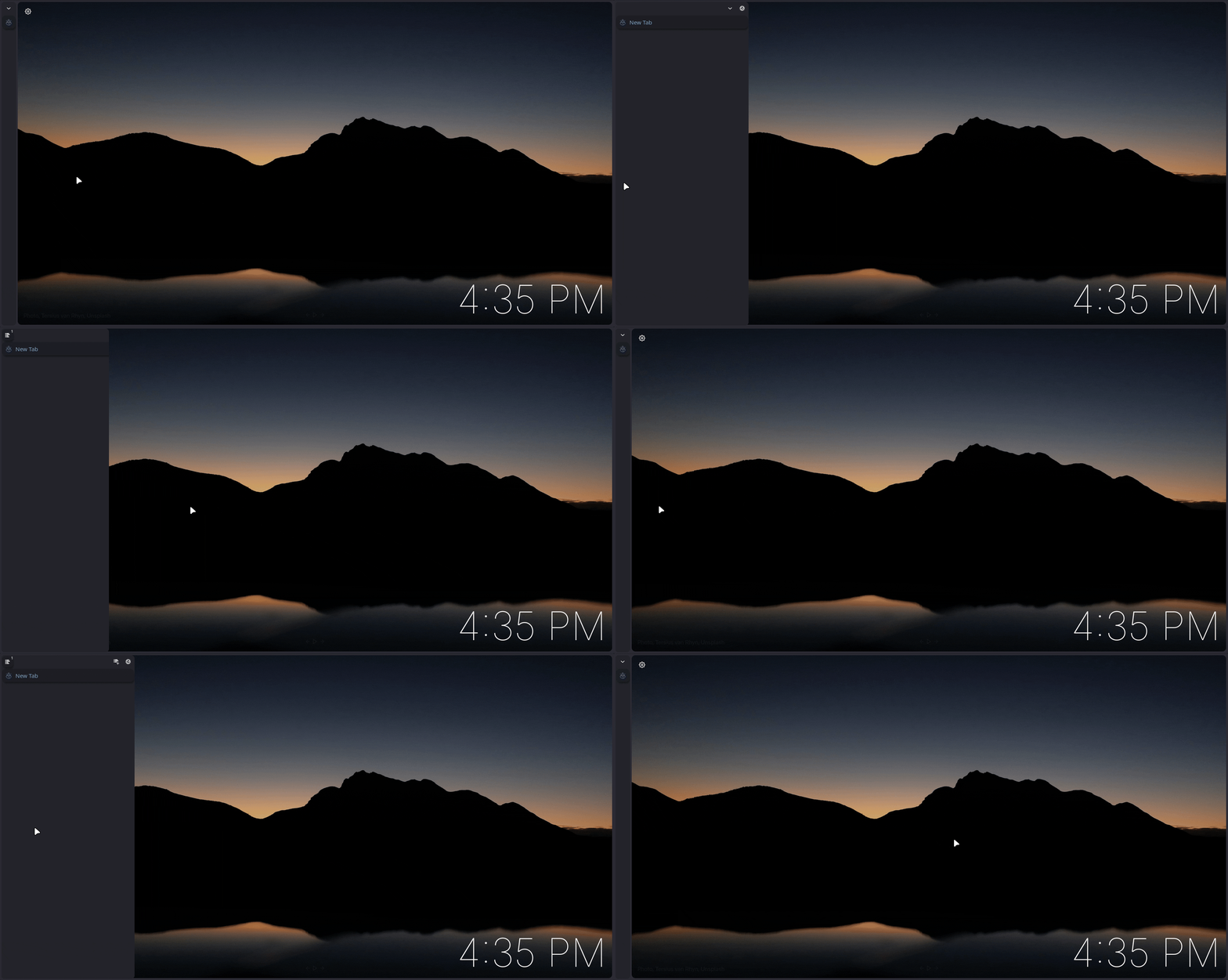
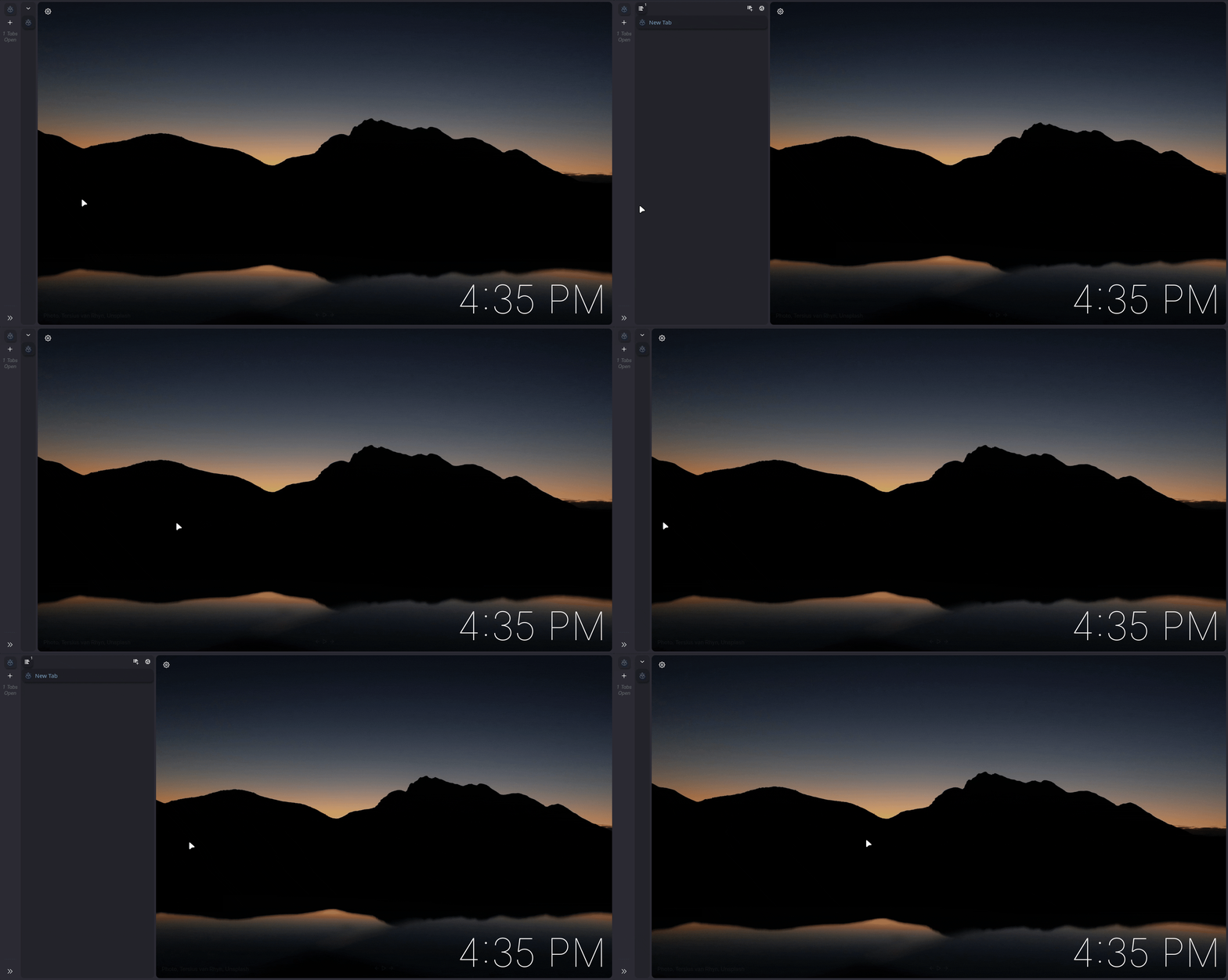
ultima.tabs.tabbar.disabled & ultima.tabs.tabbar.autohide
These settings can be combined with sidebery.autohide. Learn more about this in the Sidebery Configuration docs ->
Both of these settings work for horizontal or vertical tabs, expandOnHover should be OFF when using vertical tabs
- ultima.tabs.tabbar.disabled -> will completely hide the tab bar
- ultima.tabs.tabbar.autohide -> will completely hide the tab bar within the edge of the screen
user.theme.xtension.sidebery
This setting allows Sidebery to automatically adapt to Color Scheme colors
Learn more about this in the Sidebery Configuration docs ->
ultima.sidebar.seperator
This setting seperates the vertical tab bar and sidebar to opposite sides of the browser
ultima.sidebar.revamped.hide.when.horizontal
When on, this setting will completely remove the extra sidebar when using horizontal tabs. When off, it keeps the revamped sidebar visible even when using Horizontal Tabs.

ultima.sidebar.hide.header
This setting hides the sidebar header
ultima.sidebery.expandon.inactive.windows
When using sidebery autohide, this setting will keep the sidebar expanded when the browser window is inactive (not in focus)